Research that starts messy
Collect PDFs, screenshots, copied references, and rough notes before the shape of the project is clear.
Encrypted local notebook · beta
Start with a note, keep the files around it, search the library later, and leave with readable exports or recoverable backups. The local desktop app is free and does not require an account.
— macOS and Windows beta; verify a backup before updating
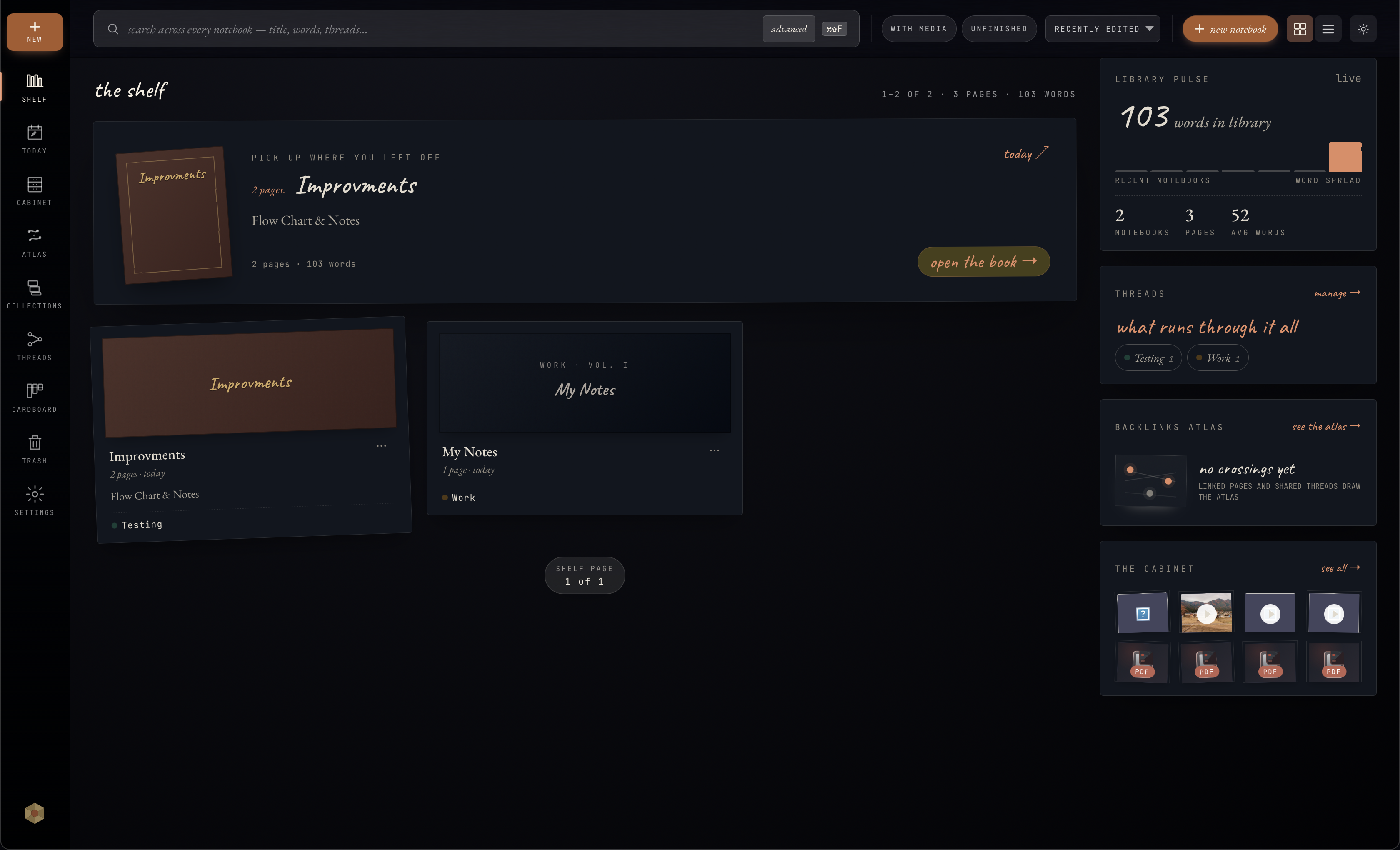
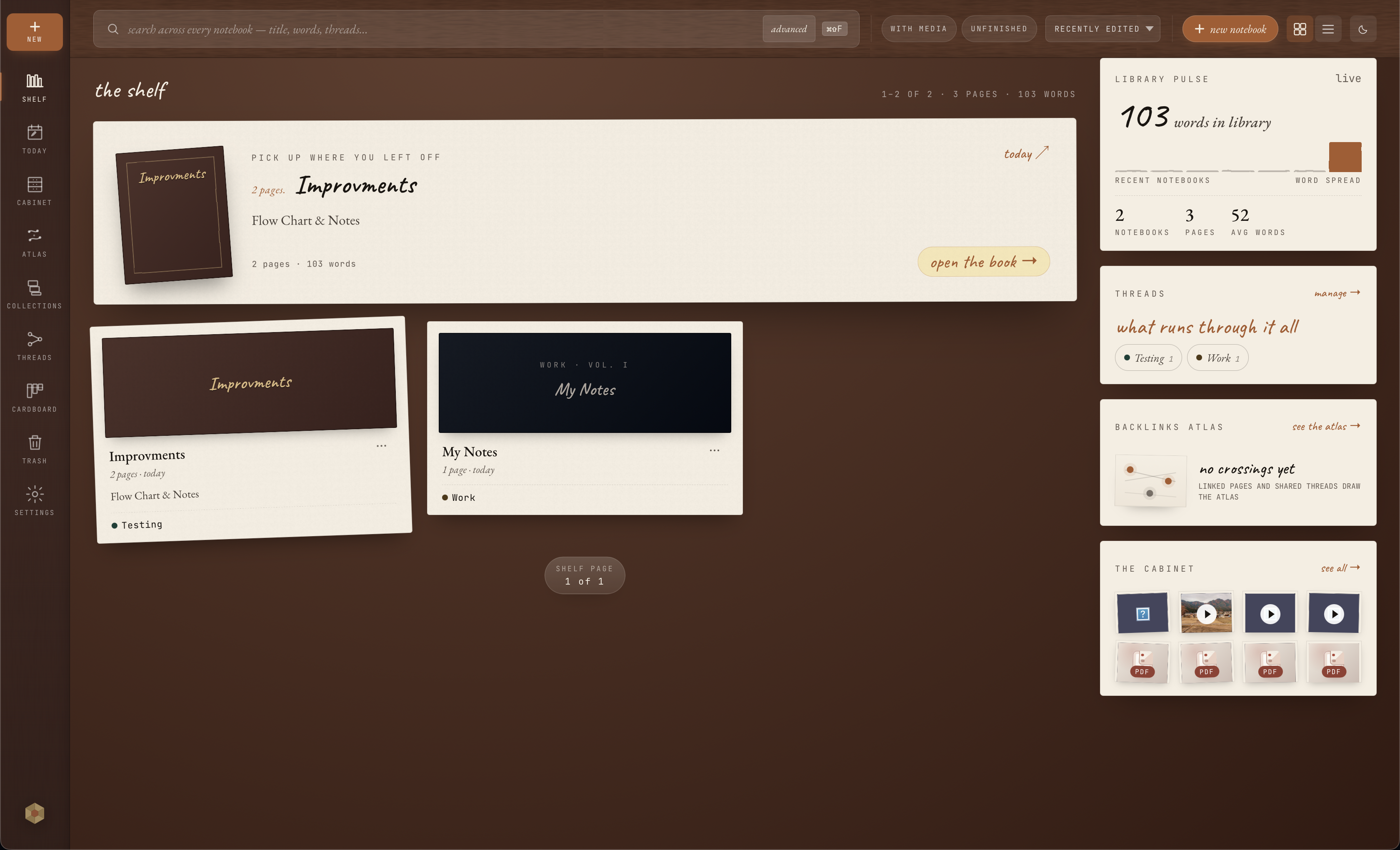
Open a local library and begin with a page, not a team workspace, database, or account setup.
Notes, source files, document text search, canvases, threads, and Atlas stay connected as the work grows.
Use Markdown when you need readable copies, and encrypted .onbk backups when you need exact restore.
Write
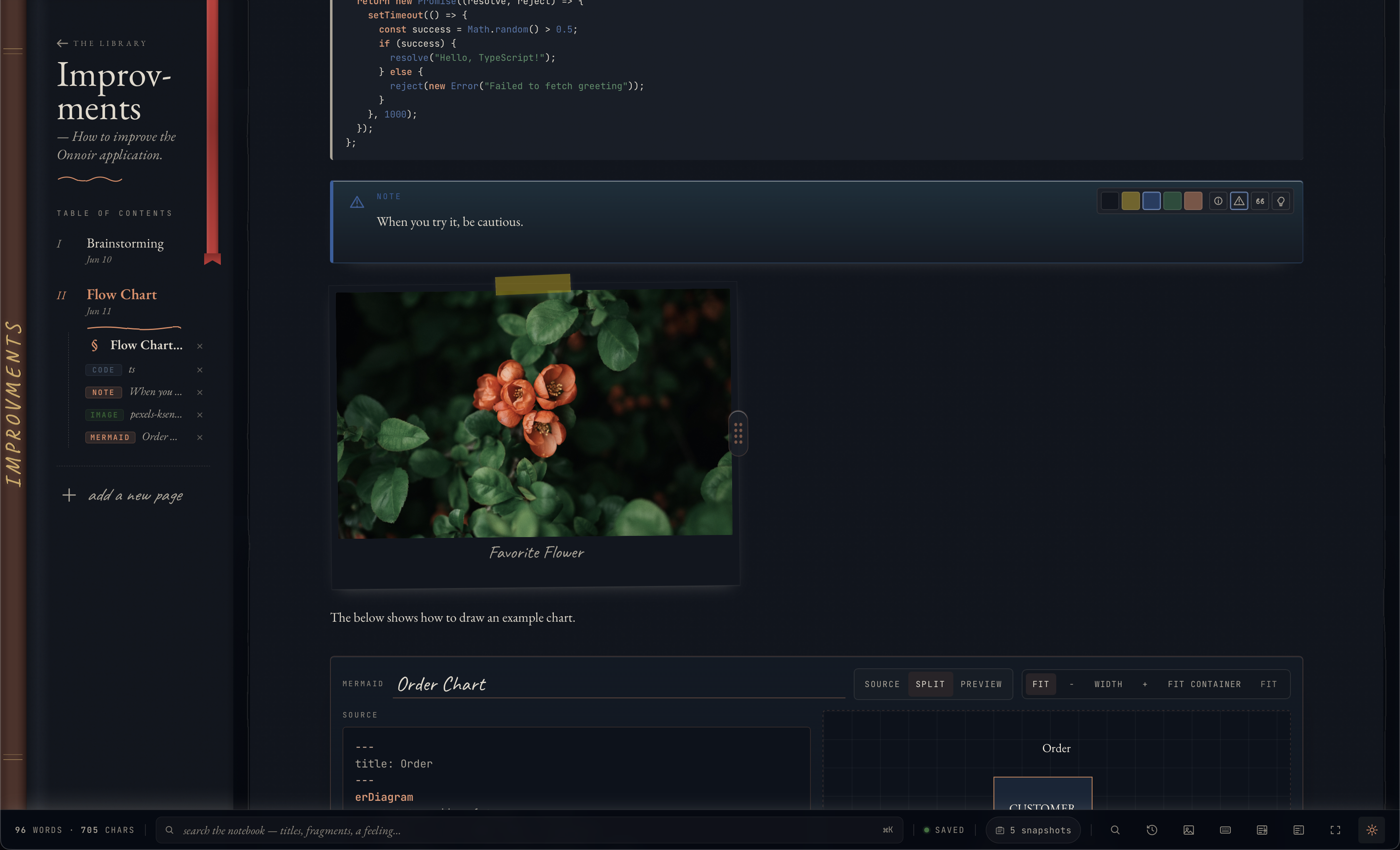
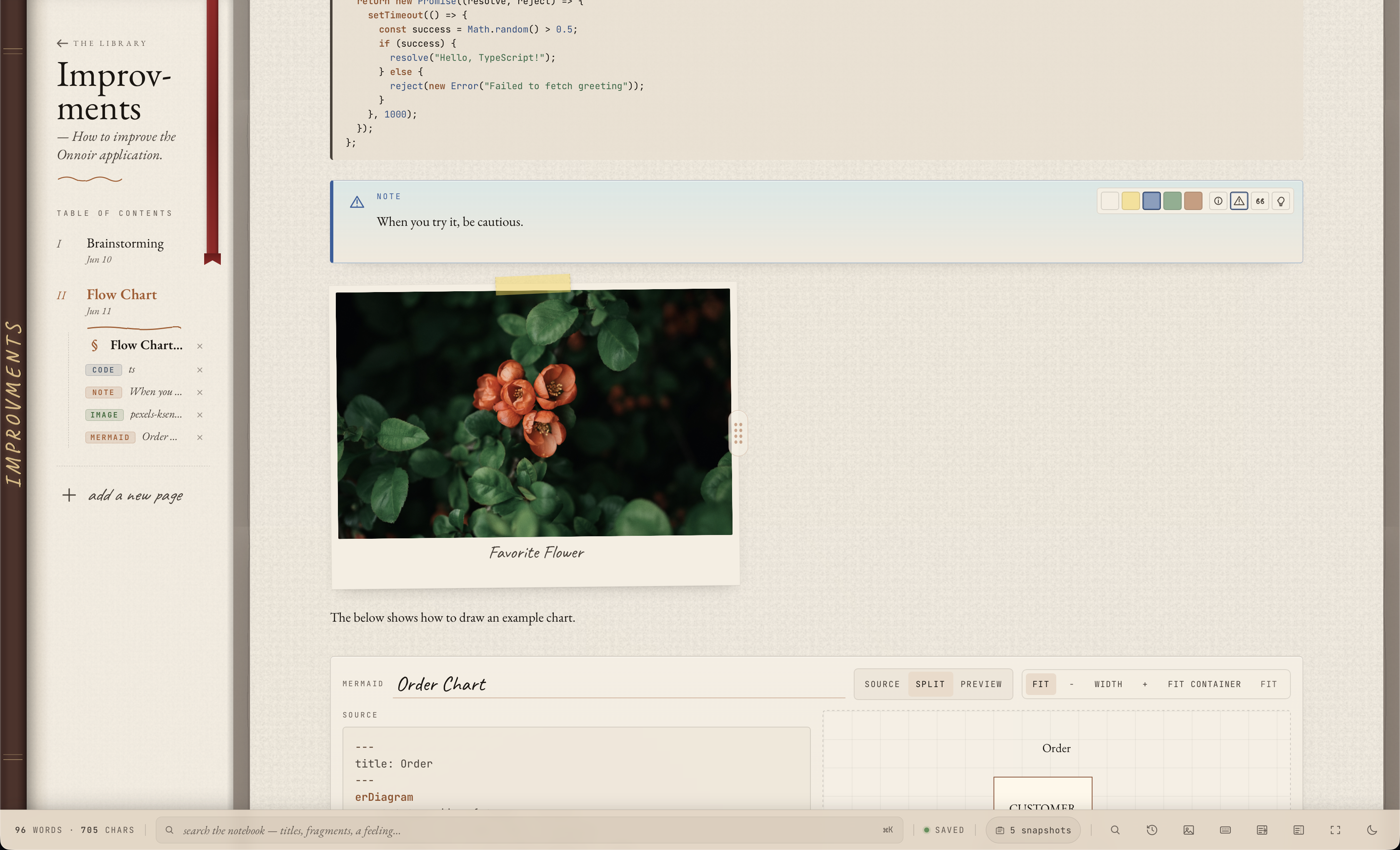
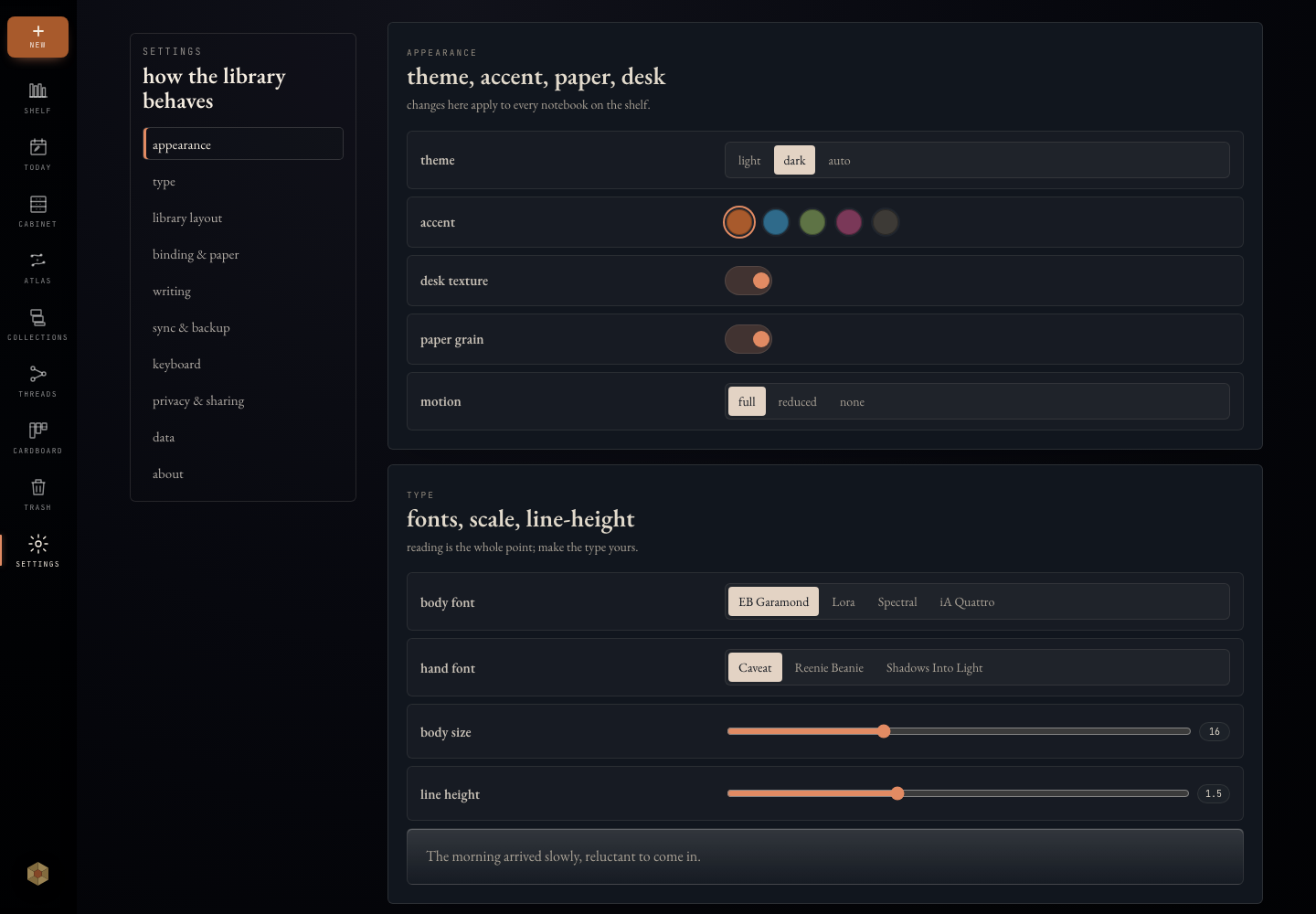
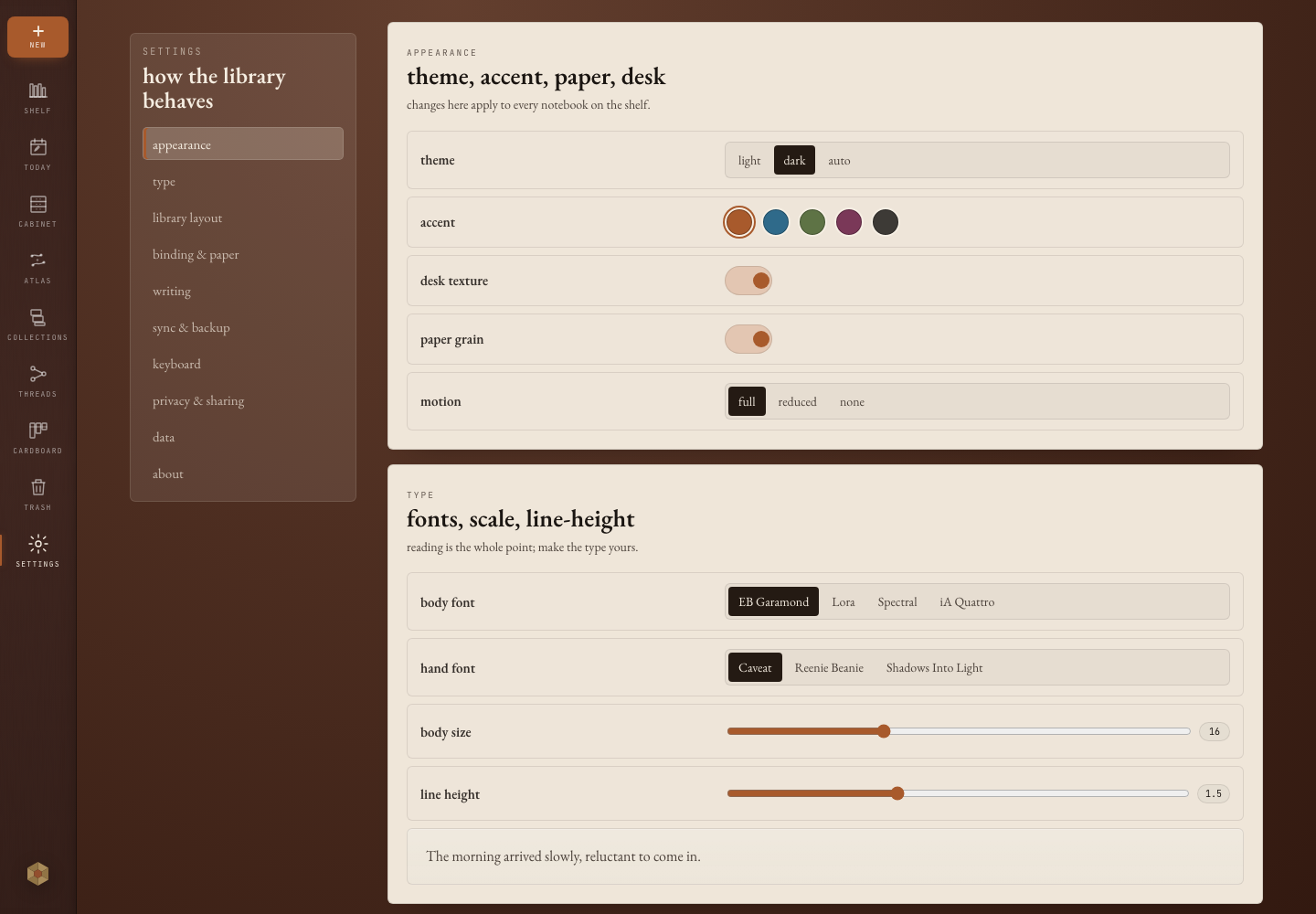
Write prose alongside code, math, Mermaid diagrams, tables, callouts, local files, images, and canvas references without turning a note into a separate project system.
Gather
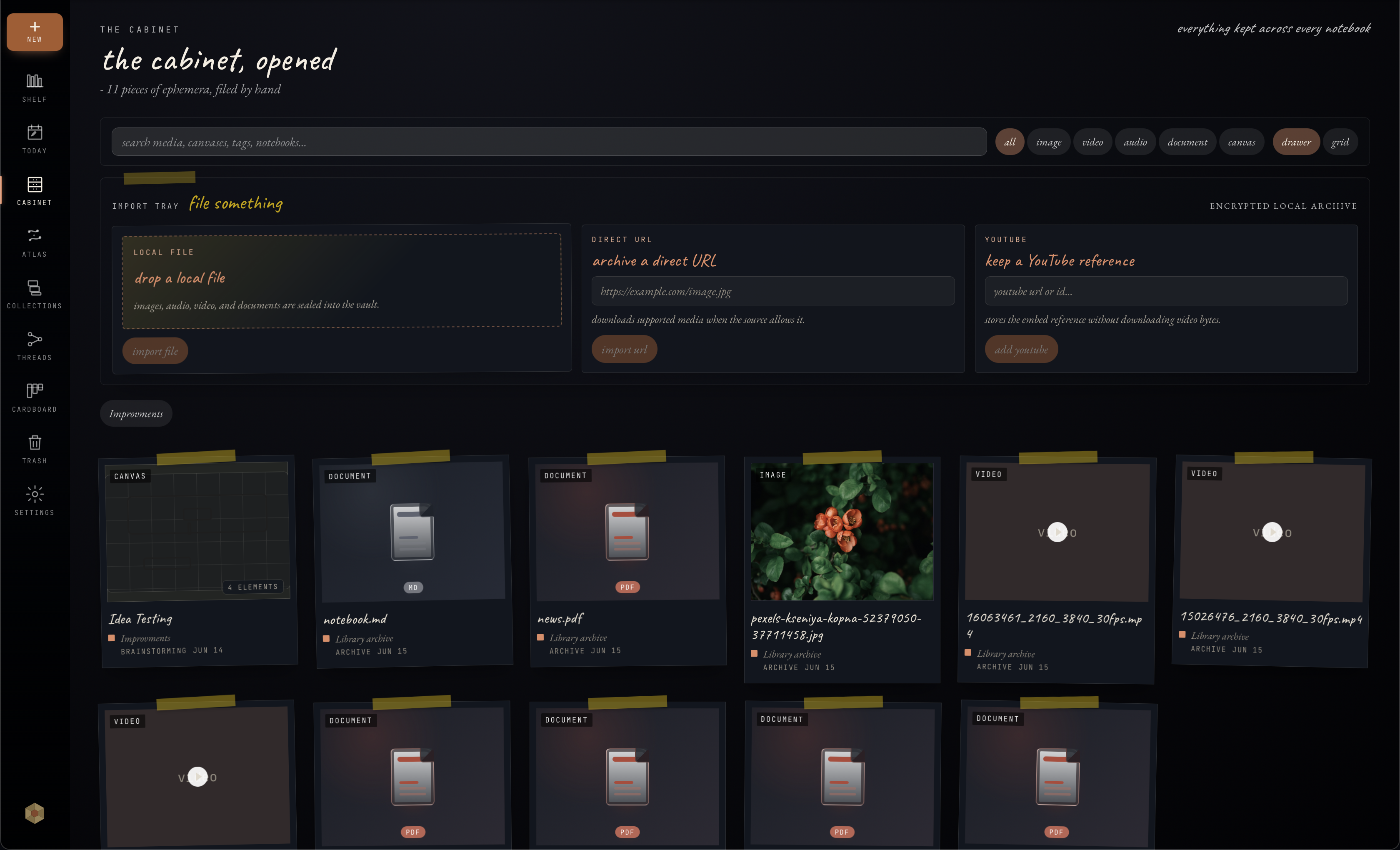
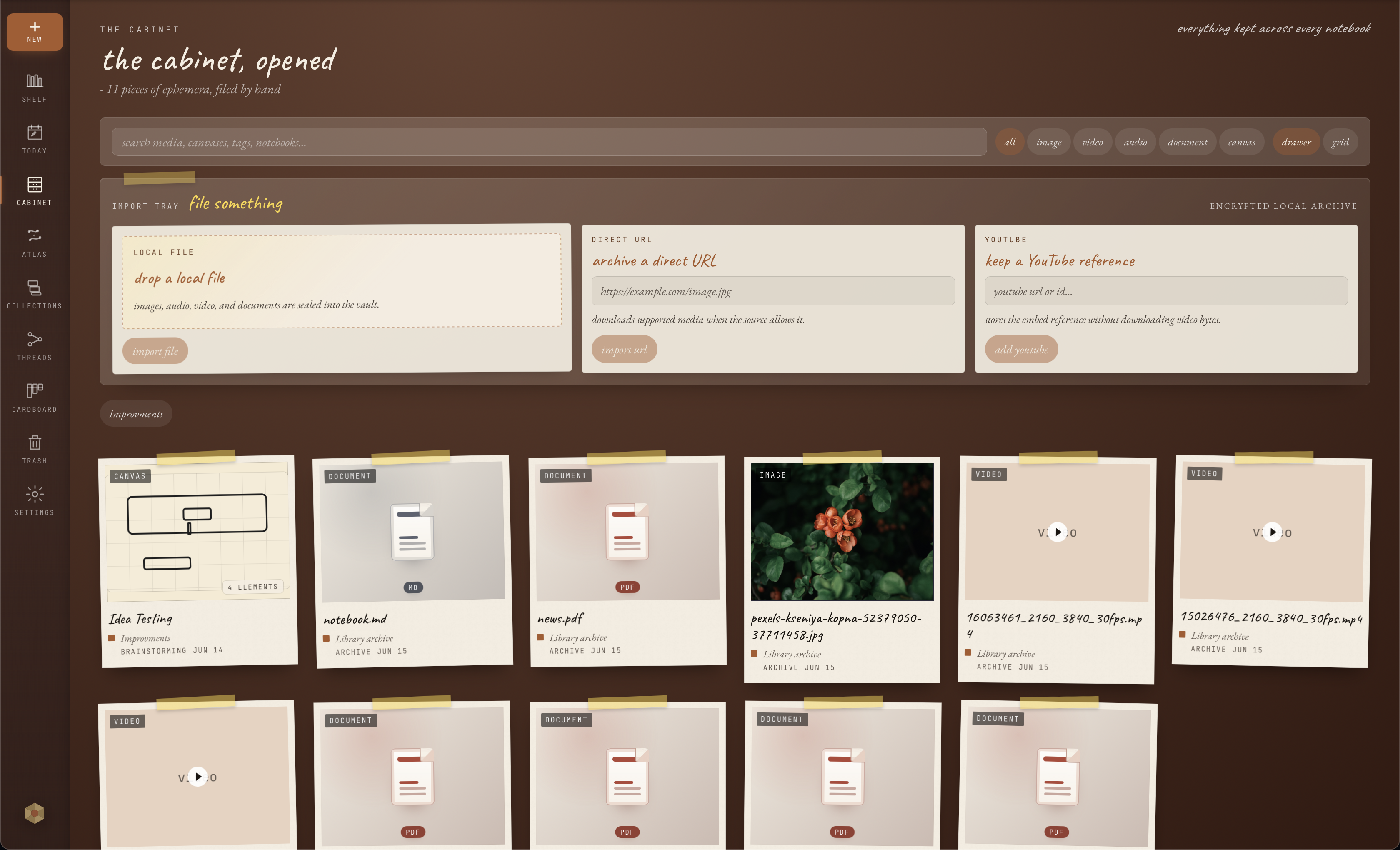
Use Cabinet for files and media, document indexing for supported text, and search to get back to the note or source that matters later.
Connect
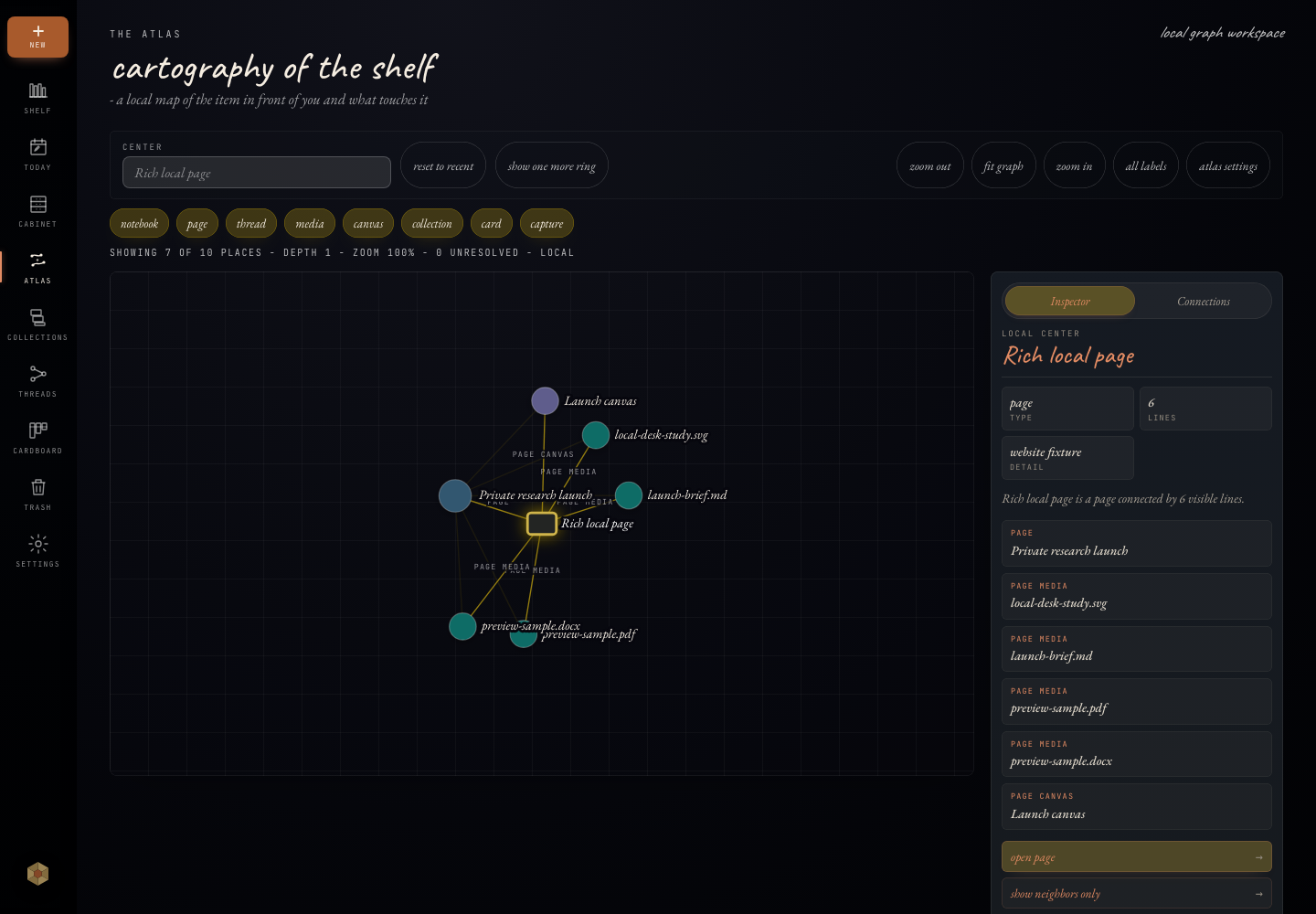
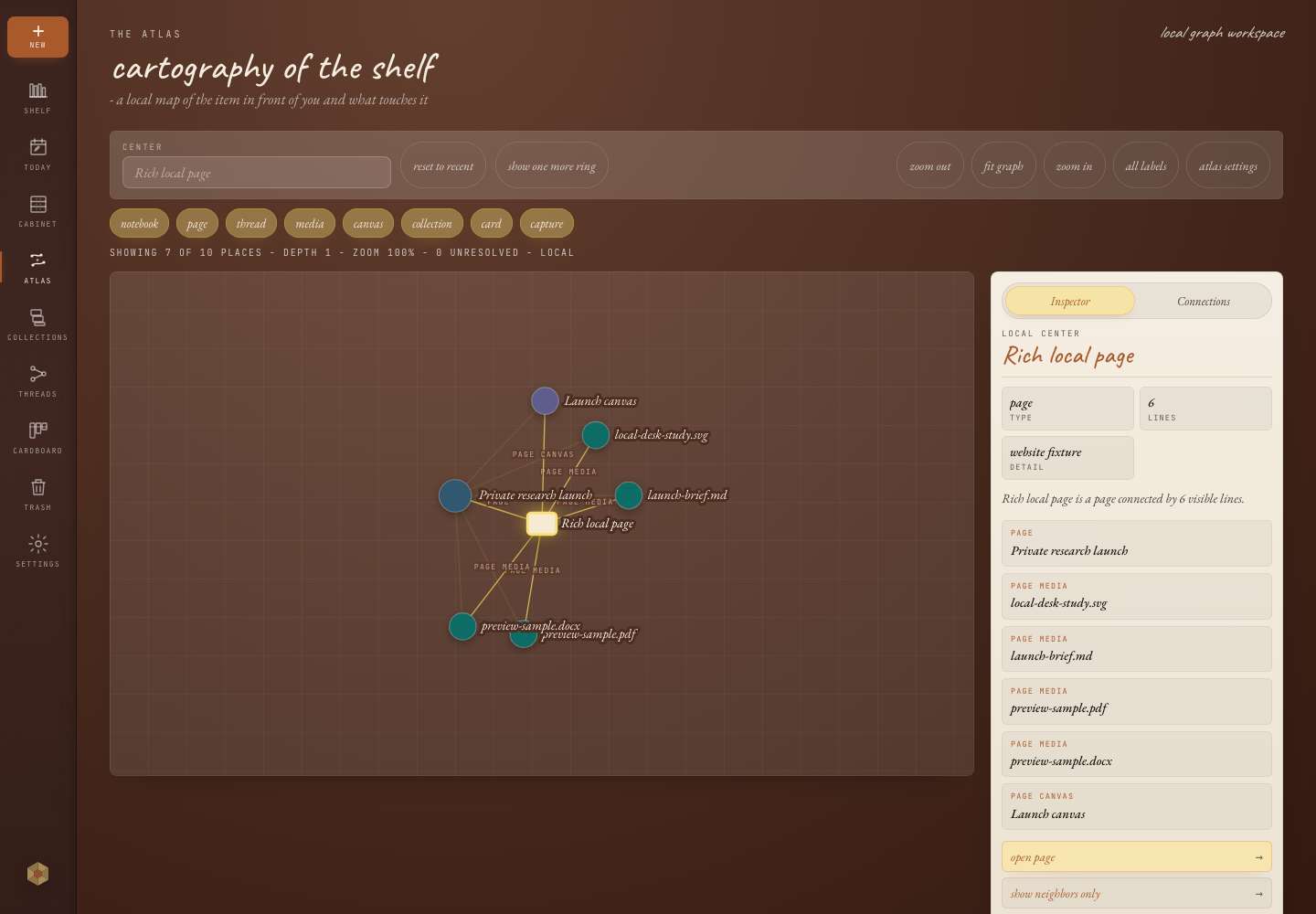
Notebooks, threads, collections, Today capture, search, and Atlas help longer work stay readable without making every private note feel like a team dashboard.
Protect
Export Markdown when you need readable files outside Onnoir. Use encrypted .onbk backups when you need a restorable copy of the local library.
Workflows
Onnoir is most useful when a simple note becomes a longer session with files, sources, searches, and decisions you are not ready to share.
Collect PDFs, screenshots, copied references, and rough notes before the shape of the project is clear.
Keep client notes, early drafts, and private analysis local until you decide what belongs in a shared tool.
Write the draft while the files, document text, and recovery path stay close to the work.
Trust model
Onnoir stores your library locally in an encrypted vault. Anonymous diagnostics are optional and never include note content, capture text, search queries, file names, media names, local paths, passphrases, recovery keys, or vault identifiers.
The desktop vault uses a passphrase-derived key and a recovery key flow for local access.
Open Onnoir into a local library. Optional online services, if added, will be opt-in.
Use readable exports when you need open files, and verified backups when you need recovery.
Anonymous diagnostics are off unless you opt in, and never include note content, capture text, search queries, file names, media names, local paths, passphrases, recovery keys, or vault identifiers.
Explore
How it works
01
Choose a passphrase and save the recovery key shown during setup.
02
Write pages, add source files, connect ideas with links and threads, and return through search when the session gets larger.
03
Before updates, create and verify an encrypted backup or export Markdown for an open-format copy.
Available for macOS and Windows with no account required. Before updates, create and verify a recoverable backup.
Questions
Yes. The local desktop app is free to use, with no account required. The beta label describes release maturity, not a temporary free trial.
In a local encrypted vault on your device. Onnoir does not host your notebook content.
No. The current desktop app is local-first. Sync and Publish are planned as optional services later, and collaboration and billing are not part of the local app.
Anonymous diagnostics are opt-in and limited to app version, platform, feature area, operation result, timing bucket, and crash or fault class. They never include note content, capture text, search queries, file names, media names, local paths, passphrases, recovery keys, or vault identifiers.
No. Onnoir cannot reset lost passphrases or recovery keys through an account. Keep recovery material somewhere safe and verify encrypted backups before relying on them.
Yes. Export readable Markdown, create encrypted .onbk backups, and verify backups before installing updates.
Not currently. Onnoir is distributed as desktop installers, with privacy details, export options, and backup tools documented on this site.
Onnoir supports macOS and Windows. Linux packages are planned later.